Translation coming soon. For now - English version.
Planifica tu semana con tareas, no con un calendario
WabiTask es un gestor de tareas ligero con vista semanal, bloques de tiempo de enfoque y niveles de energía. Sin agobios, sin cientos de opciones.
The problem
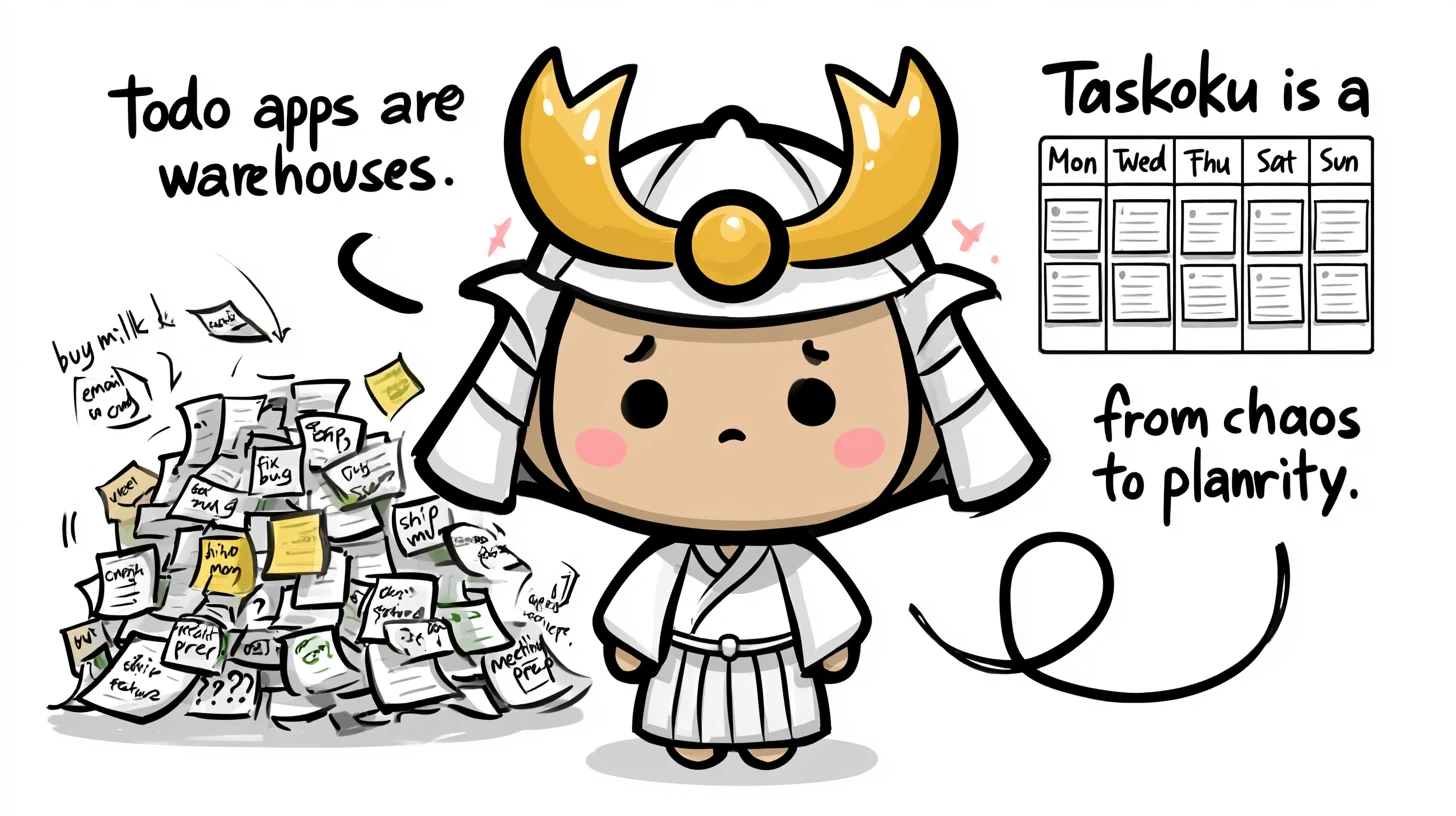
Most "task apps" are warehouses, not planners.
You open Trello and see 200 cards. You open Notion and stare at the cursor. You open Asana and immediately close it. None of them help you plan a week - they just store tasks waiting for you to figure out what's next.
The result: Sunday anxiety, Wednesday whiplash, Friday guilt. The week happens to you instead of you running it.
Our promise
One screen. A whole week. No scrolling, no zooming, no rabbit holes.
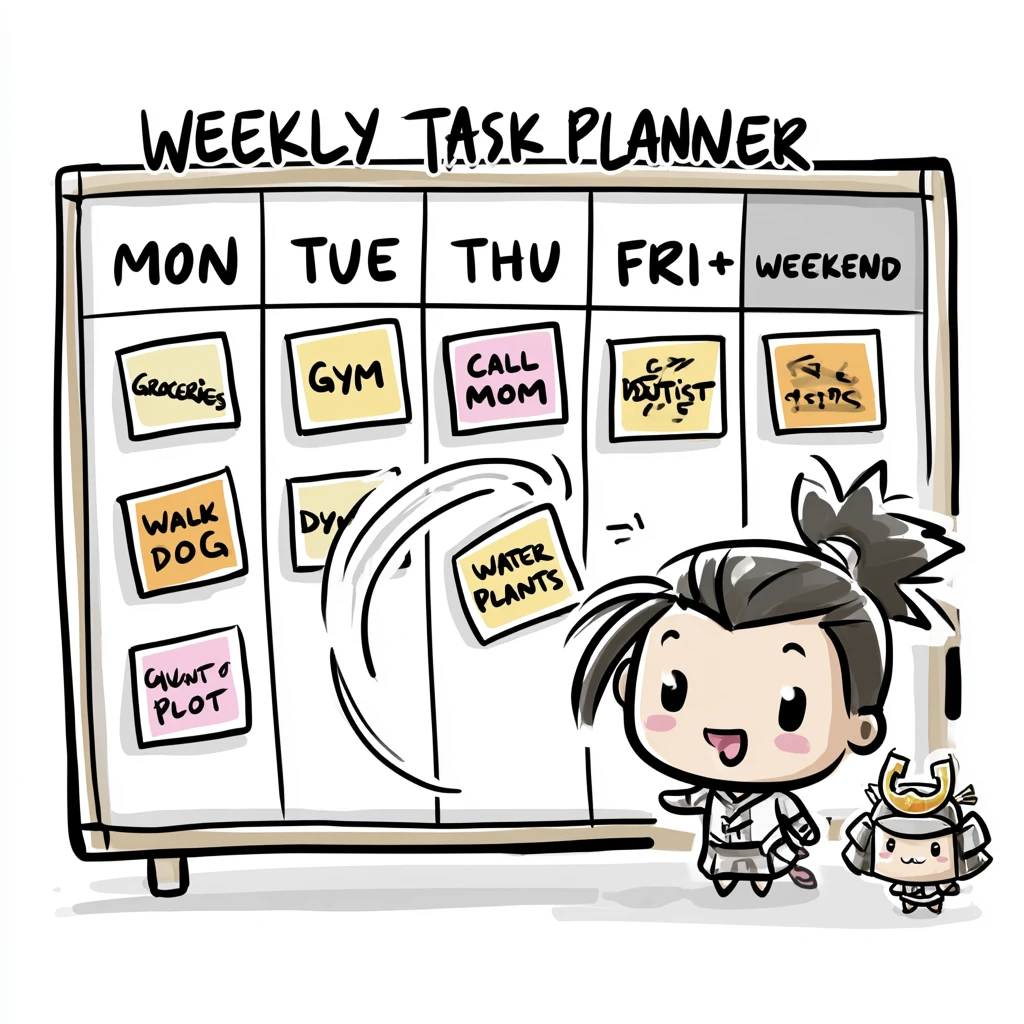
WabiTask shows only this week. You drag tasks between days. You block focus time the app refuses to overlap. You pick your energy level. Top 3 priorities, Quick Wins under 15 min, Pomodoro++ with focus badge.
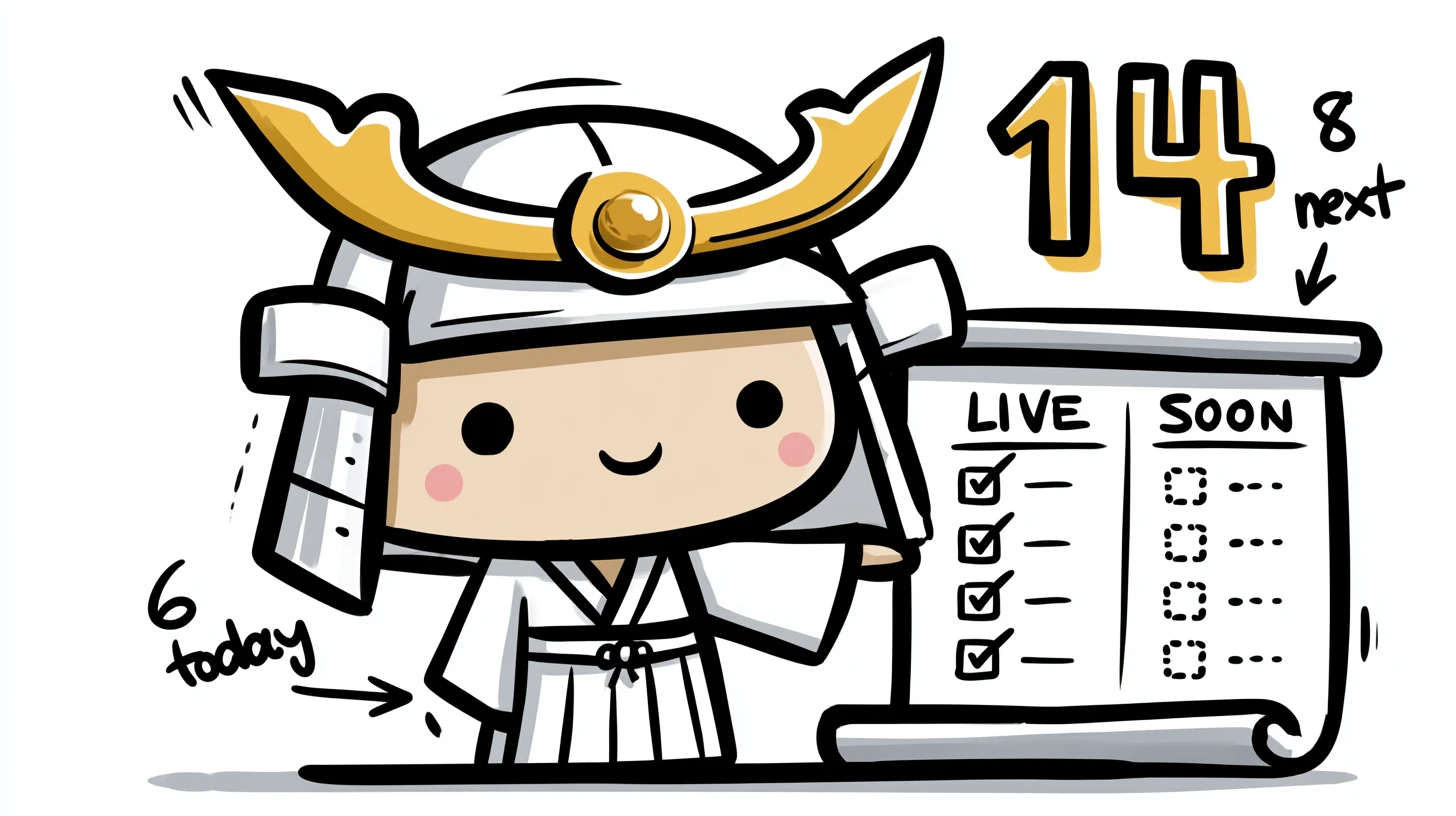
14 features. Every one earned its place. Nothing else.
A week with WabiTask
Sunday evening.
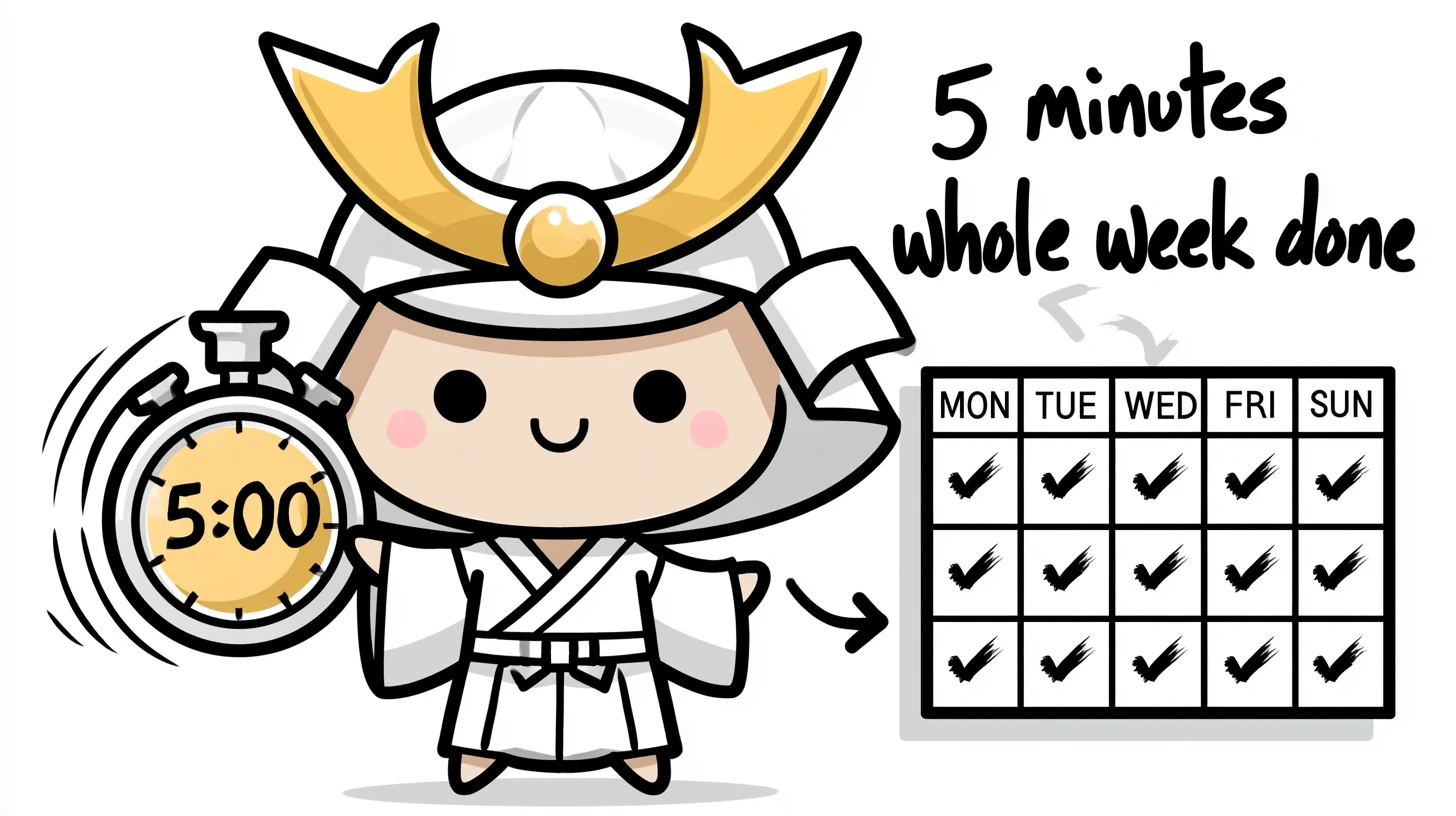
5 minutes. You're done.
No daily lists to re-write. No "system" to maintain. Plan once on Sunday, run on autopilot Monday-Friday.
-
SUN PM
Set up the week
Drop everything into 5 weekday columns + weekend. No prioritization yet - just dump.
-
SUN PM
Block focus time
2-3 deep work slots per week. Nothing can overlap them. Ever.
-
MON-FRI
Pick your energy
Tired? Filter to low-energy only. Week adapts to you, not the other way around.
-
DAILY
Pick your Top 3
3 tasks. If they ship, the day was a win. App stops you from picking 4.
-
FRI PM
Review and reset
See shipped vs slipped. Move incomplete forward. Close laptop guilt-free.
Built around real scenarios
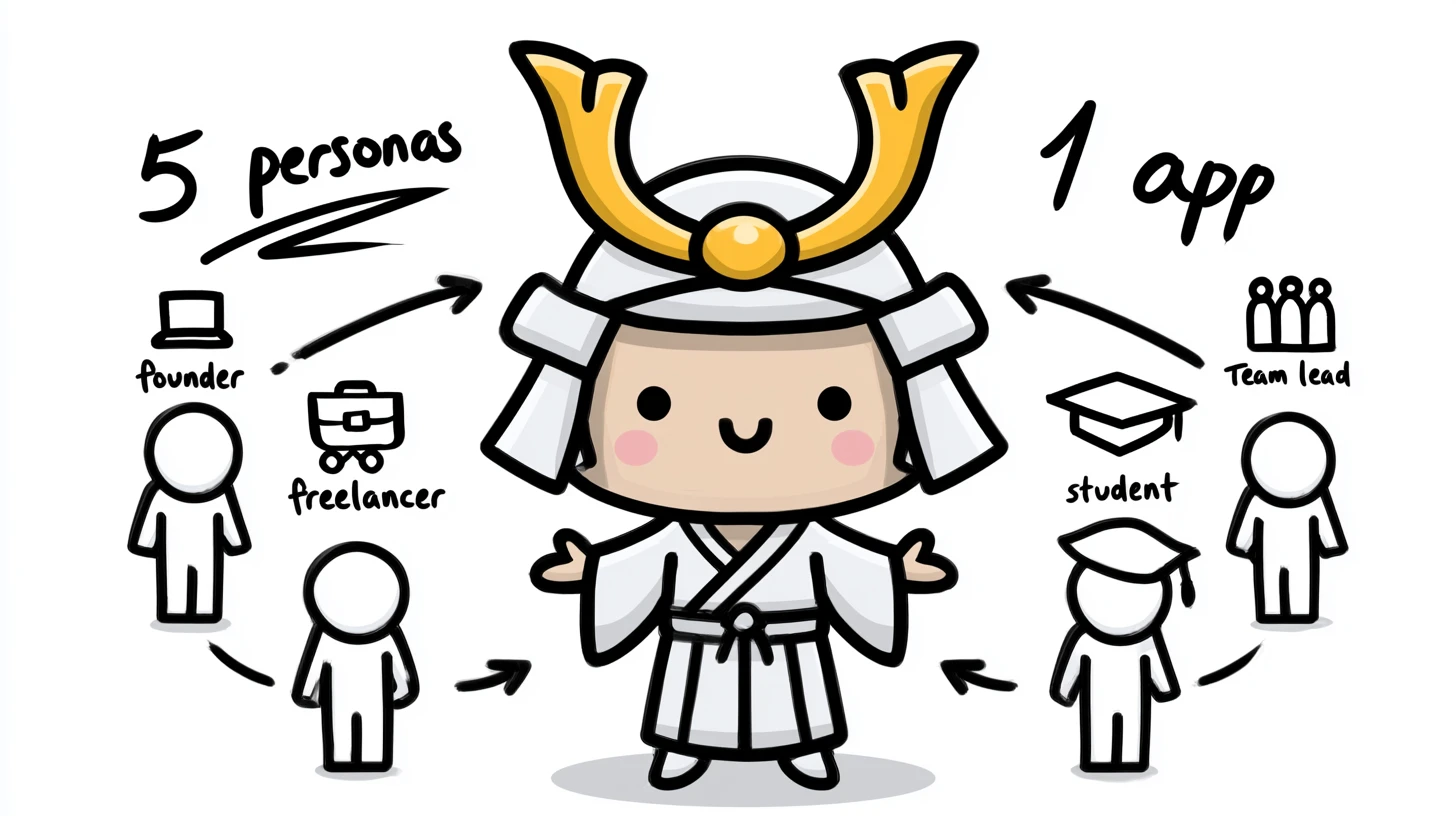
6 people. 6 ways to use it.
Pick the closest - WabiTask adapts.
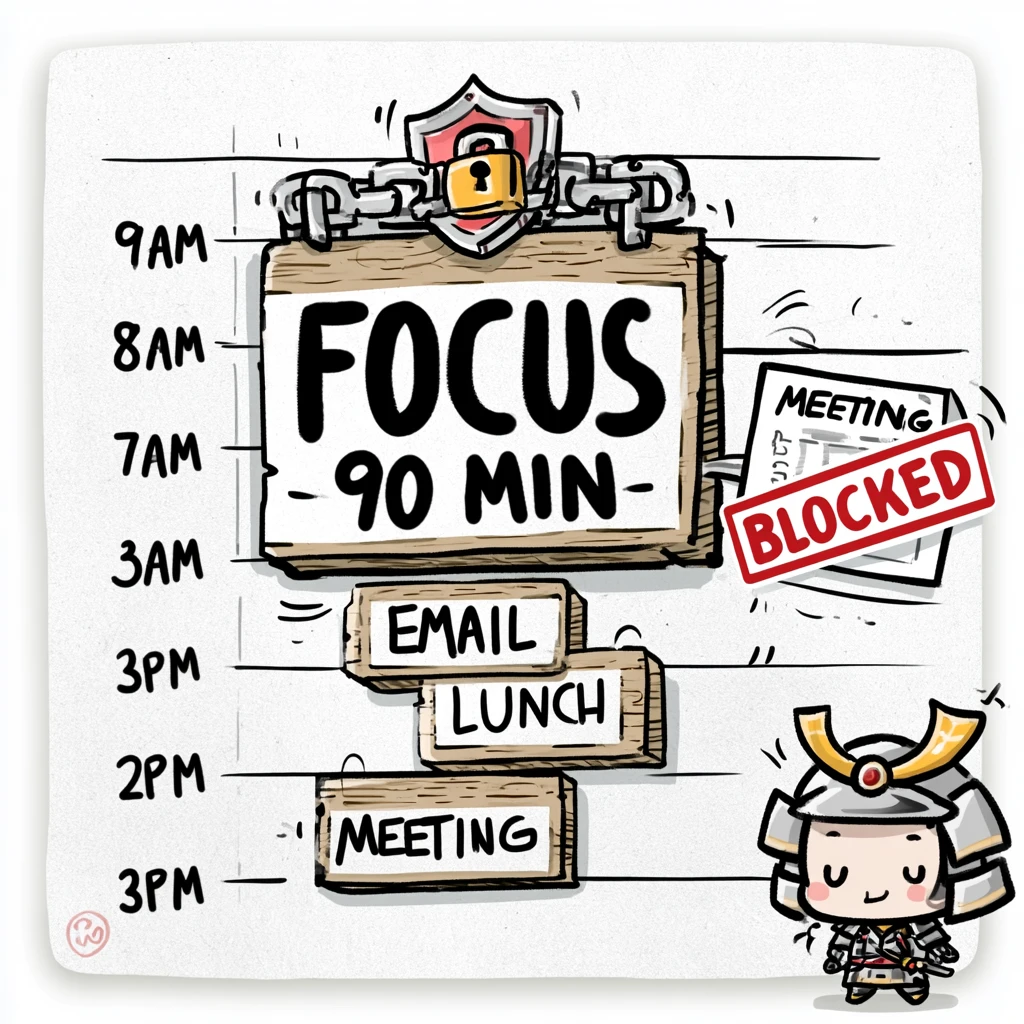
01 / 06
Solo founder
"Mornings = deep work. Afternoons = meetings + admin. Energy crashes at 4pm."
Separates code blocks from email blocks. No more "I'll just check email" during writing time.
02 / 06
Freelancer
"Five clients, none of them know about each other's deadlines."
See the whole week → know if you can take that new project. Stress-test commitments before saying yes.
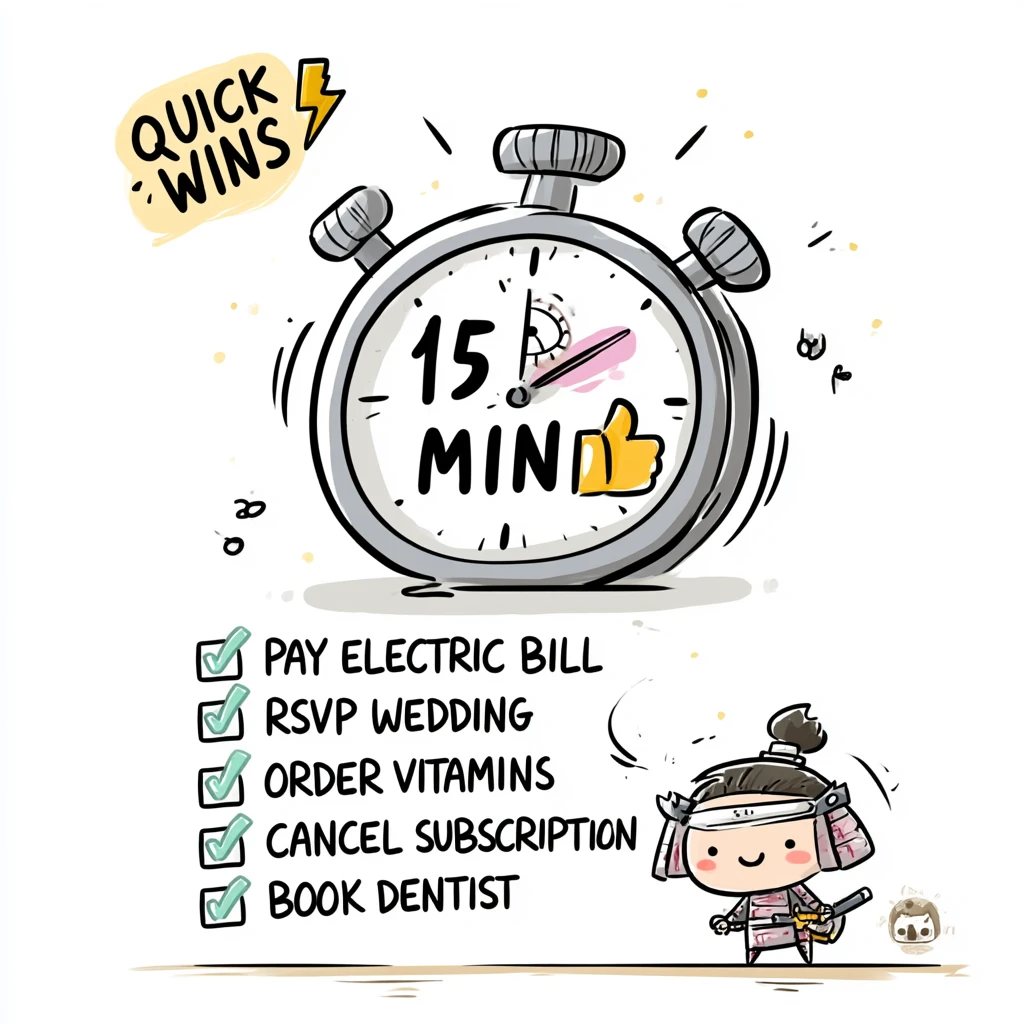
03 / 06
Working parent
"Pickup at 3pm is non-negotiable. Mom-tasks + work-tasks compete."
Quick Wins mode at 9pm = knock out 15-min admin without opening 3 tabs.
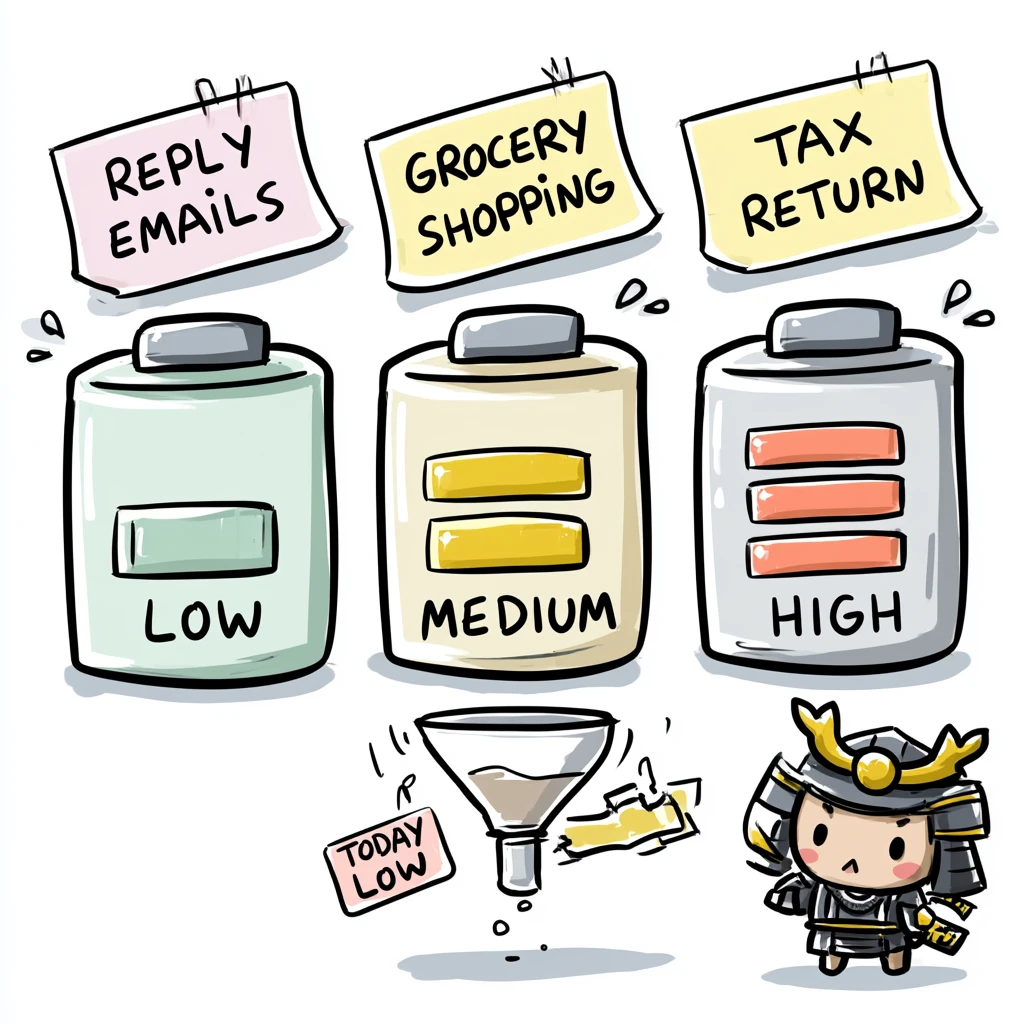
04 / 06
Grad student
"Reading, writing, lab, TA hours, plus skipping meals."
Energy levels: don't schedule the hardest reading at 11pm when you can barely answer email.
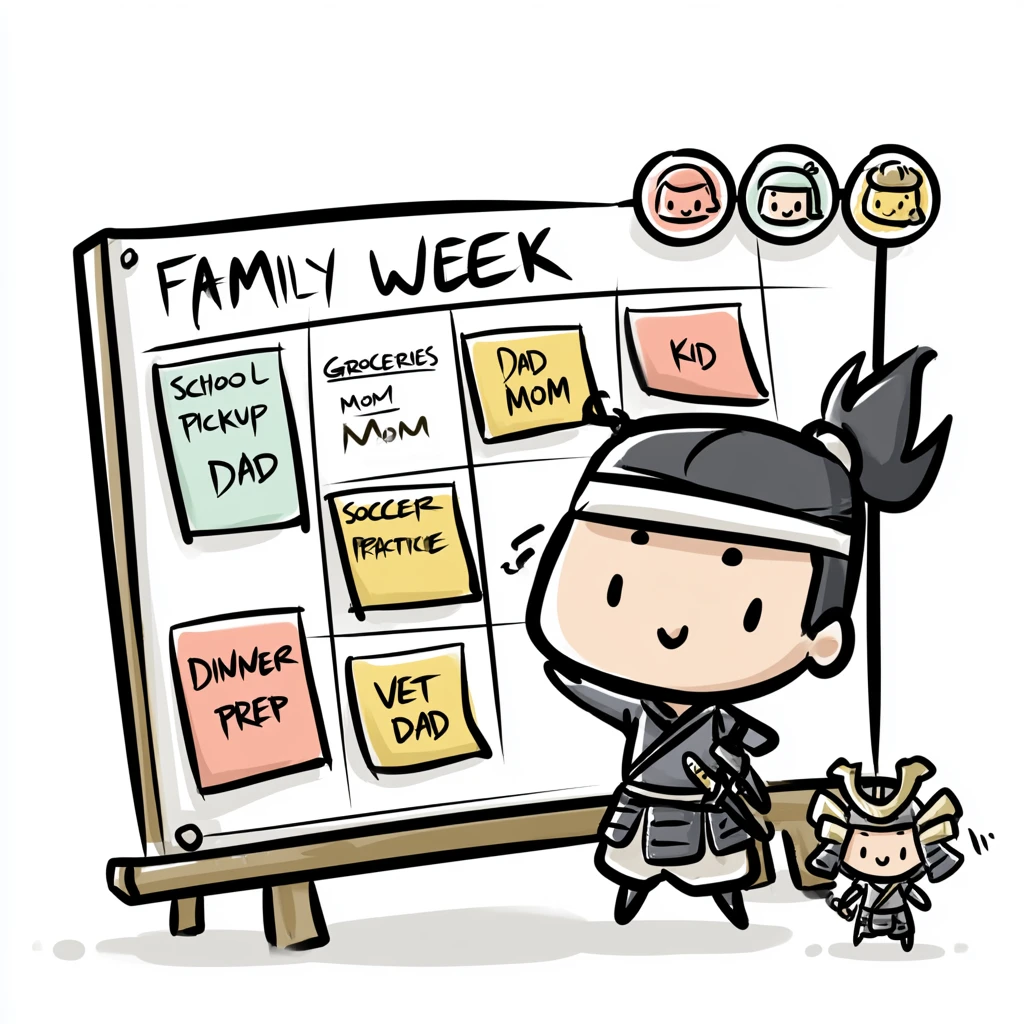
05 / 06
Small team lead
"You stopped doing 1:1s because they ate the whole week."
Everyone updates the shared board on Friday. You scan in 5 minutes. Async, but visible.
06 / 06
Indie hacker (3 projects)
"Three side projects, one day job, finite weekend hours. Everything competes."
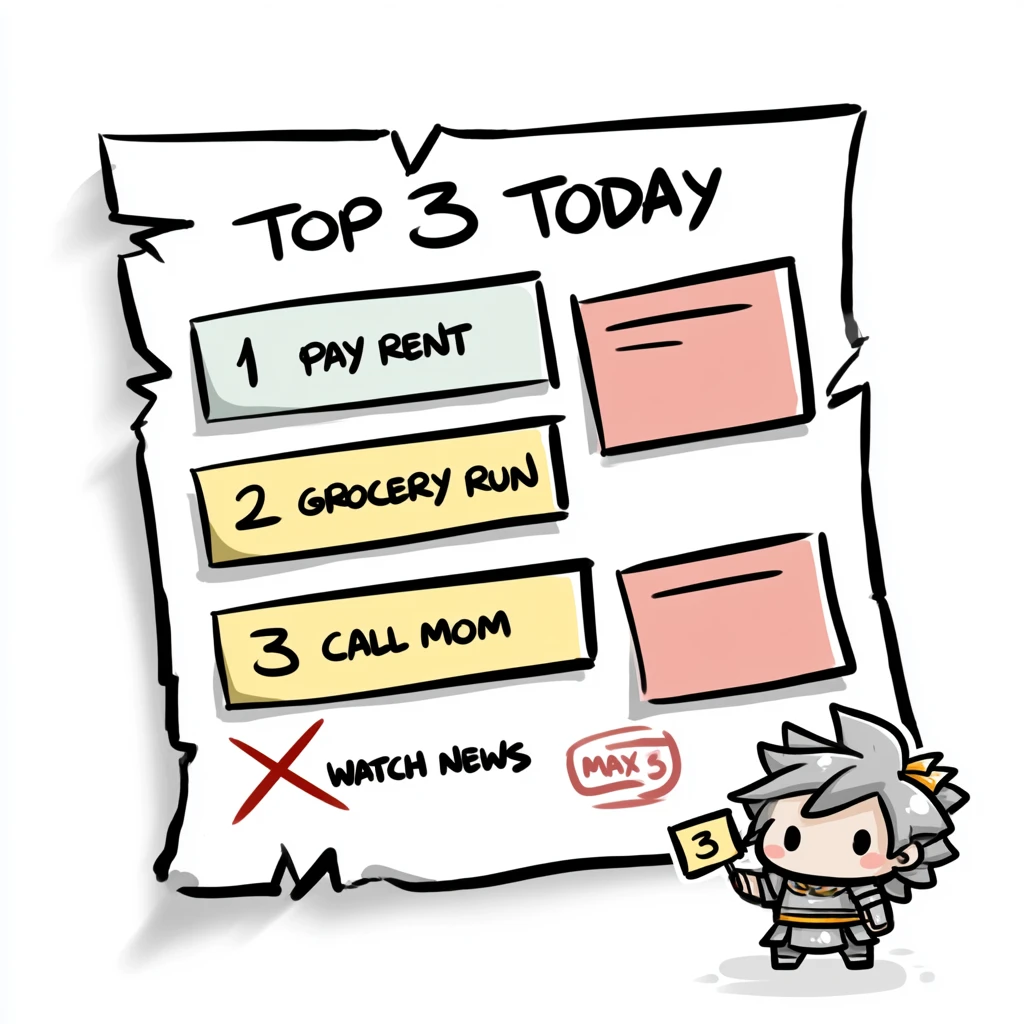
Top 3 rule + per-project tags = at most 3 priorities per day across all projects. No more "which project gets today" guesswork.
From our blog
The thinking behind WabiTask
Why a weekly view, why focus blocks at the database level, why 3 priorities not 4. The reasoning behind every design decision.
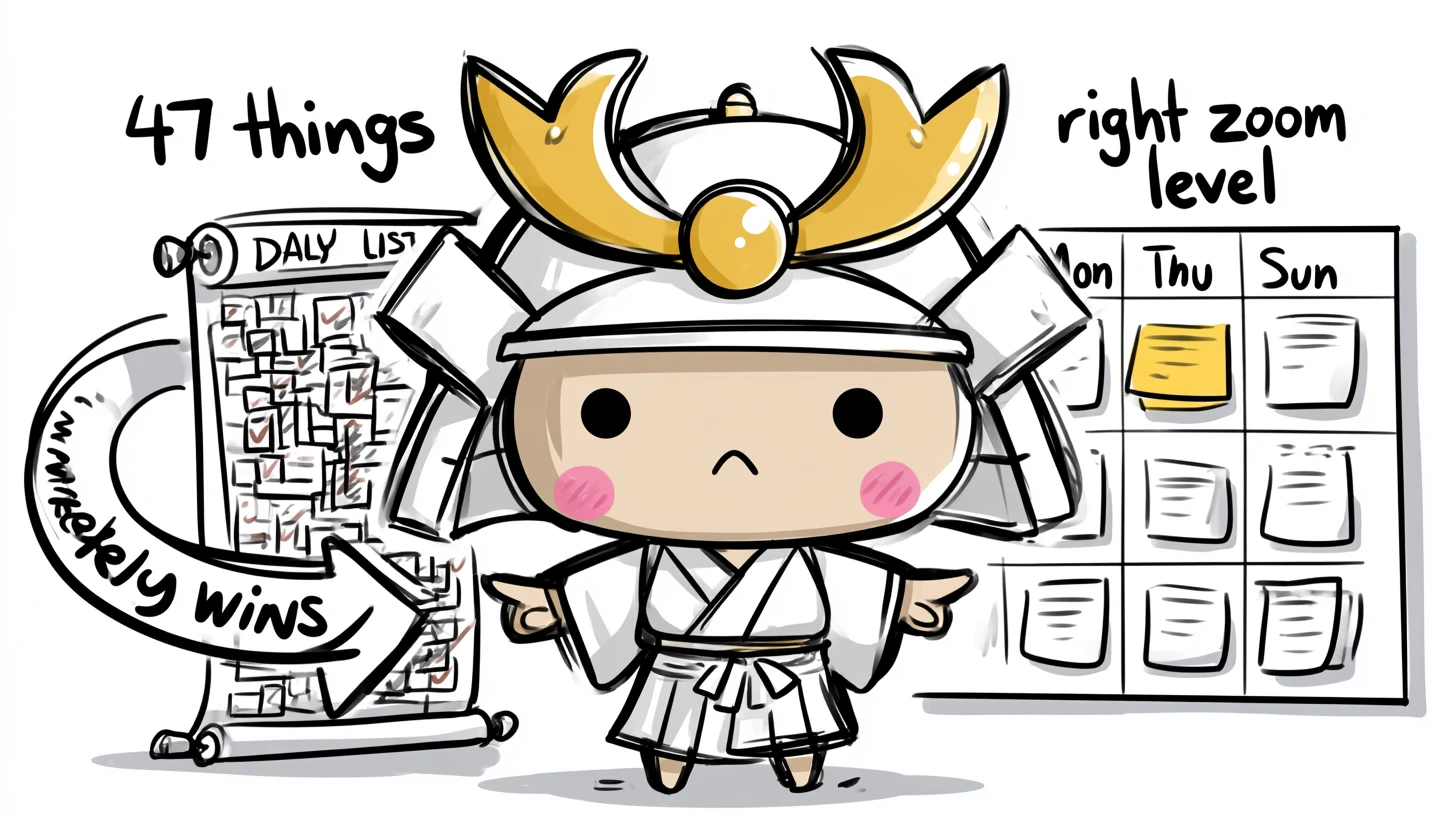
Why a weekly view beats daily todo lists
You don't have a productivity problem - you have a planning horizon problem.
Read →
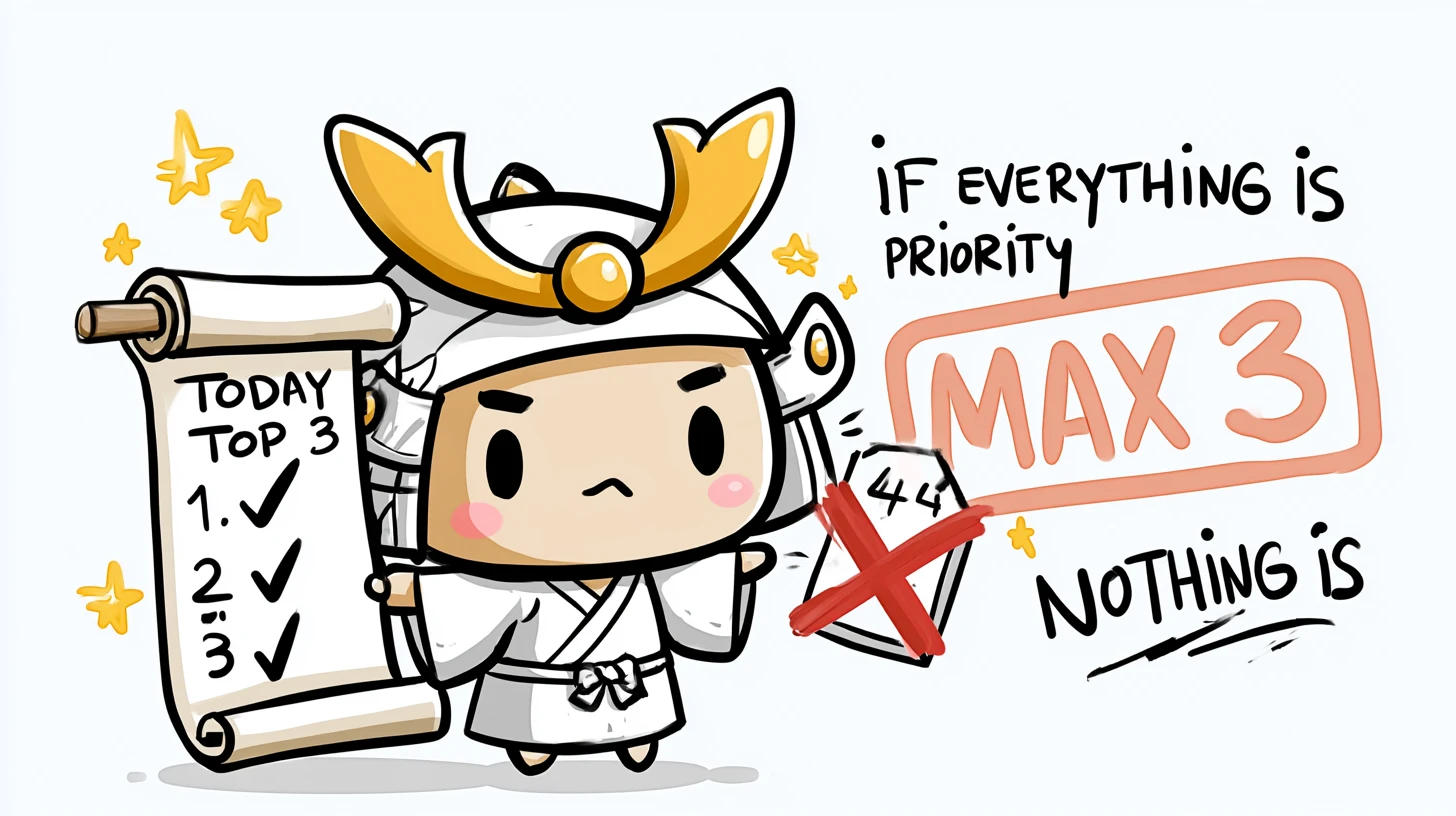
The Top 3 rule: why 4 priorities = 0 priorities
If everything is a priority, nothing is. Three is the magic number.
Read →
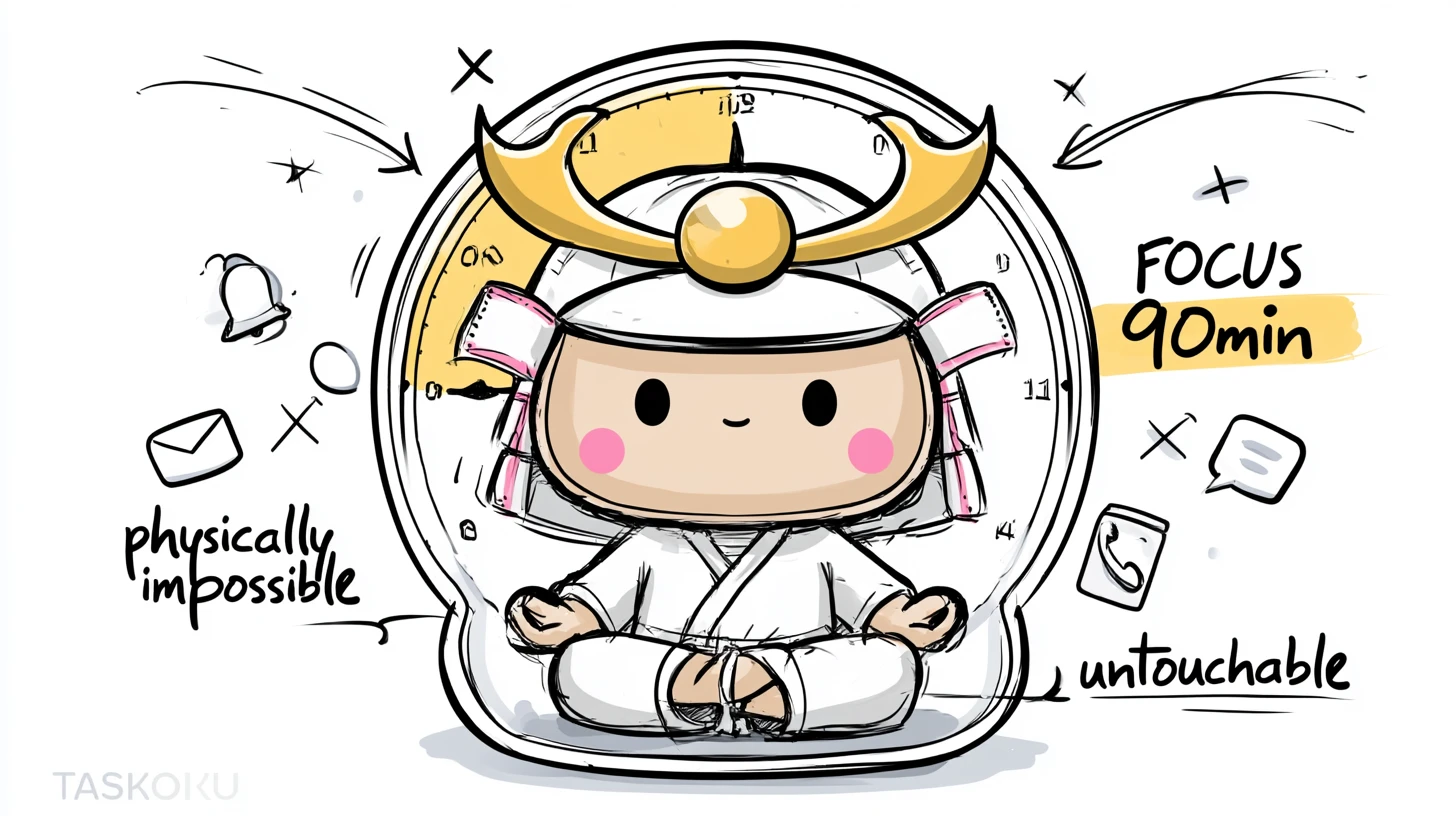
How focus blocks actually protect deep work
Calendar blocks don't protect focus - they just decorate it. Real protection lives at the data layer.
Read →
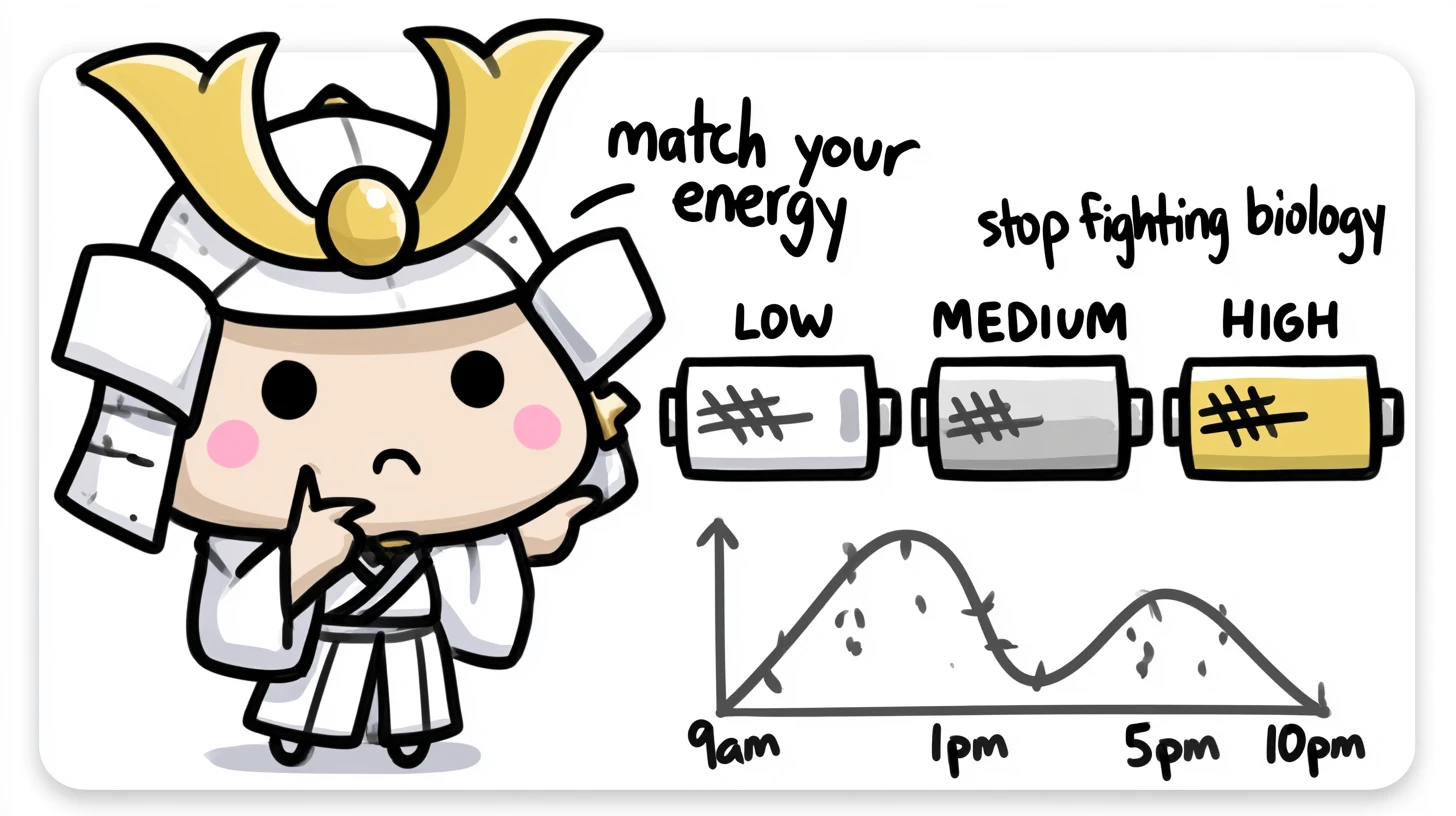
Energy-based planning: matching tasks to your real day
Stop scheduling deep work at 11pm. Stop scheduling email at 9am.
Read →
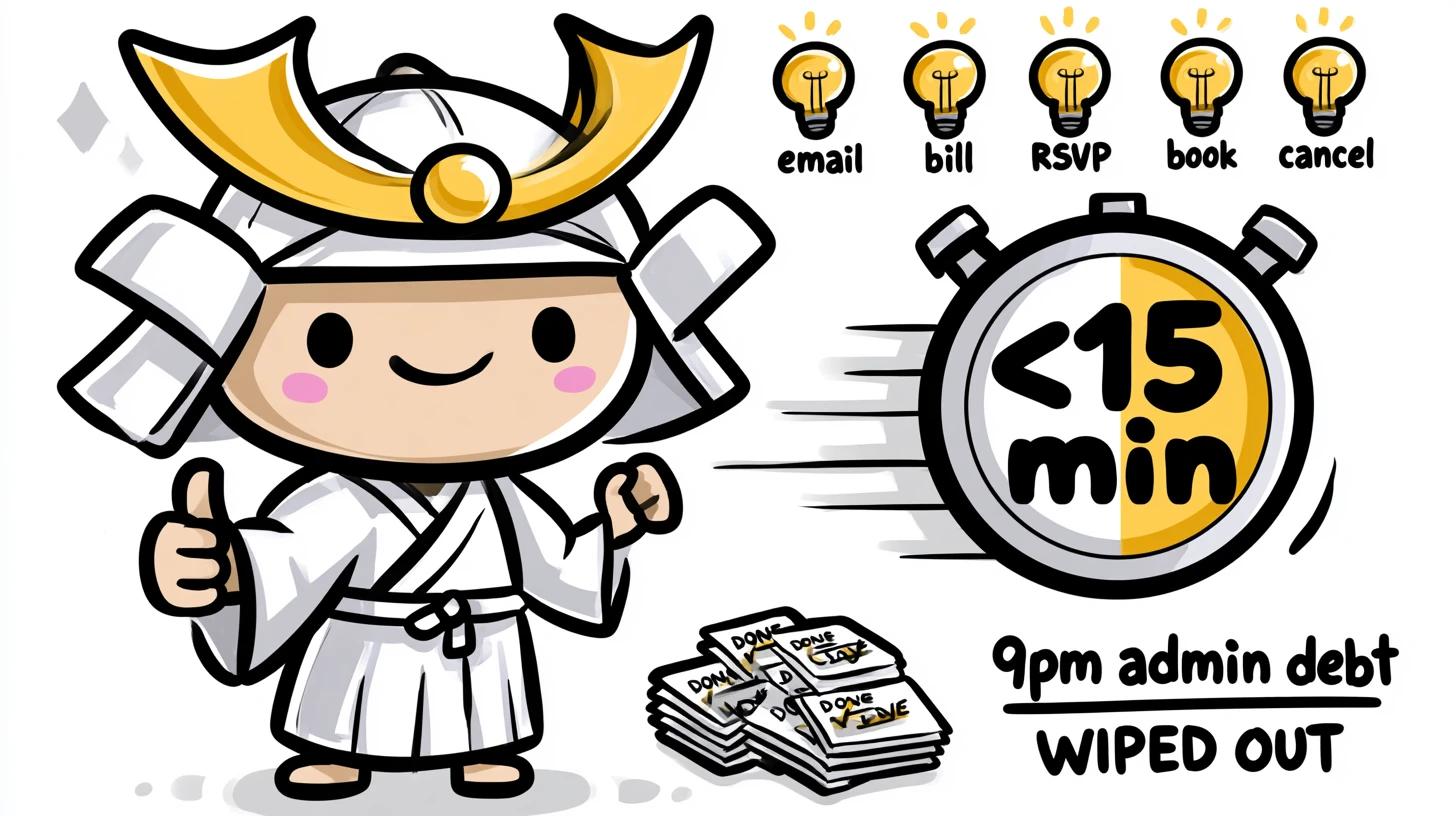
Quick Wins Mode: clear 8 admin tasks in 30 minutes
The 9pm admin debt. How to wipe it out in one focused 30-minute burst.
Read →
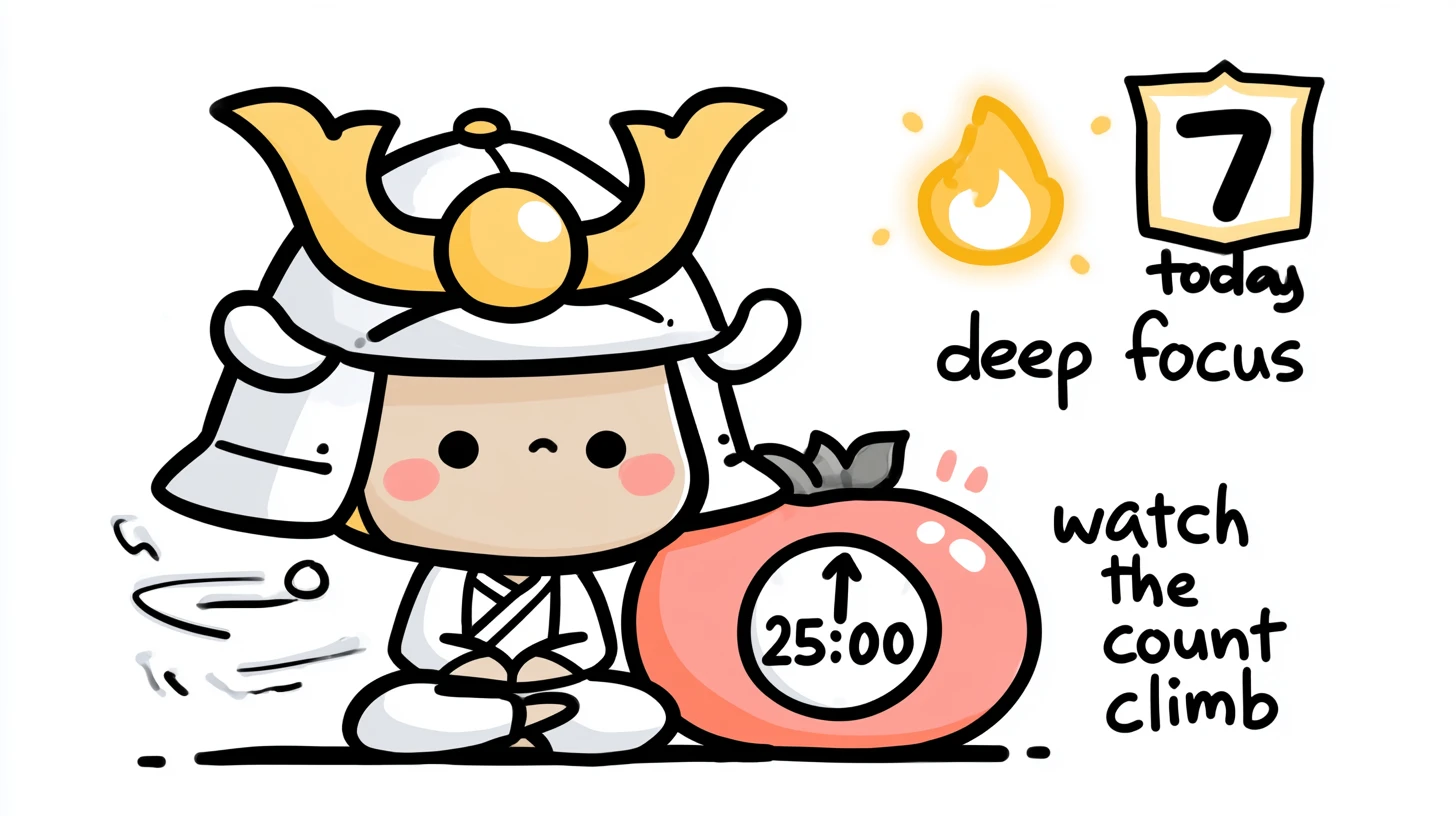
Pomodoro++: why focus badges matter more than streaks
The 25-minute timer changed productivity. The badge changed your brain.
Read →
Honest comparison
How we compare
We're not for everyone. Here's where we stand.
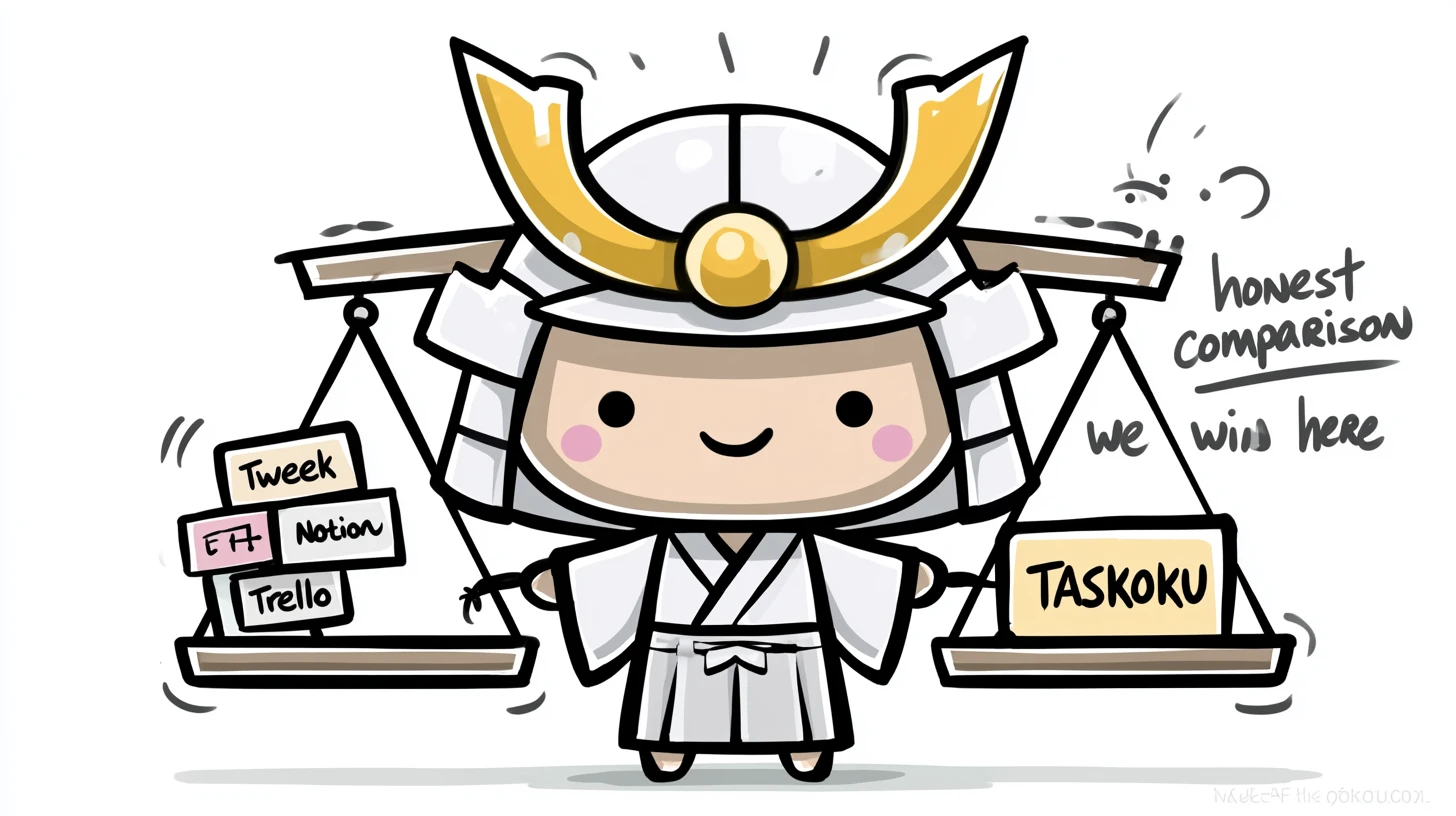
| Feature | WabiTask | Tweek | Notion | Trello |
|---|---|---|---|---|
| Weekly view as the default | ✓ | ✓ | — | — |
| Drag tasks between days | ✓ | ✓ | — | ✓ |
| Time blocks with focus protection | ✓ | — | — | — |
| Energy levels (low/medium/high) | ✓ | — | — | — |
| Top 3 rule (max 3 priorities/day) | ✓ | — | — | — |
| Quick Wins filter (<15 min) | ✓ | — | — | — |
| Pomodoro++ with daily focus badge | ✓ | — | — | — |
| AI task breakdown | soon | — | ✓ | — |
| Family / team mode | soon | ✓ | ✓ | ✓ |
| Polish language | ✓ | partial | partial | partial |
soon = ships post-MVP (see full roadmap below).
All features at a glance
18 features. All live. Zero vaporware.
We promised 18, we shipped 18. Every card is clickable, persists to the database and works after login - no "Coming soon" footnotes.

Vista semanal
Siete columnas, una por día. Arrastras una tarea de un día a otro - eso es todo.

Bloques de tiempo con protección de enfoque
Reservas un bloque de enfoque de 90 minutos. La base de datos no permite otro bloque en el mismo tiempo.

Niveles de energía
Cada tarea tiene un nivel de energía: bajo / medio / alto. Filtra "solo bajo" cuando estés agotado.

Top 3 para hoy
Max 3 prioridades al día. La base controla el límite, tú controlas la ejecución.

Modo Quick Wins
Un clic - ves solo tareas de menos de 15 minutos. Sin procrastinación.

Pomodoro++
Temporizador de enfoque ligado a una tarea. Al terminar - el badge "Sesiones de enfoque hoy" crece.

AI Task Breakdown
Click "Break it down" on a fat task like "Plan the conference" - AI splits it into 5-8 actionable steps with time estimates and energy levels.

AI Weekly Review
Every Sunday a short narrative: what you shipped, what slipped, what to plan. Generated from your tasks and focus sessions.

Group Mode (Family / Team)
One shared workspace for any group - family at home, small team at work, project crew. Everyone sees who is doing what this week. No nagging, no meetings - just statuses on the board.

Export to Obsidian / Notion
Weekly Review and tasks exported as clean Markdown with YAML frontmatter. Drop straight into your second brain.

Google Calendar sync
Two-way sync. Time blocks created in WabiTask appear in Google Calendar. Meetings imported back as protected blocks.

Chrome extension
Side panel for quick-add from any page. Right-click selected text - "Add to WabiTask". Today's Top 3 always one click away.

Mobile app
iOS + Android. Push notifications for focus blocks and Top 3 reminders. Biometric unlock.

Public API + webhooks
Bearer-token REST API for integrations. Webhooks when tasks complete or focus sessions end. Bring your own automation.

Telegram bot integration
Add a task by sending a message. "/today" returns your Top 3. Focus block reminders ping you in the same chat - no extra app to install.

Kanban view (complementary)
Same week, different lens. Watch life flow through Backlog / This Week / Today / Doing / Done columns - groceries, gym, calls, errands, all moving across one board. Toggle back to weekly view in one click.

Mind map view (complementary)
Day-centric radial map. Central node = the day (Monday, Tuesday...), branches = things to do that day (groceries, gym, call mom), leaves = checklist items per task. Plan your day visually, see if it actually fits.

Eisenhower Matrix (complementary)
Urgent / Important 2x2 quadrants. Sunday afternoon: drop everything from your head into the grid and see what actually matters this week versus what can wait or just disappear.
Want one of these sooner? Tell us on the contact page - we plan based on what early users actually use.
Numbers, not promises
What early users tell us
(MVP data - first 227 sign-ups)
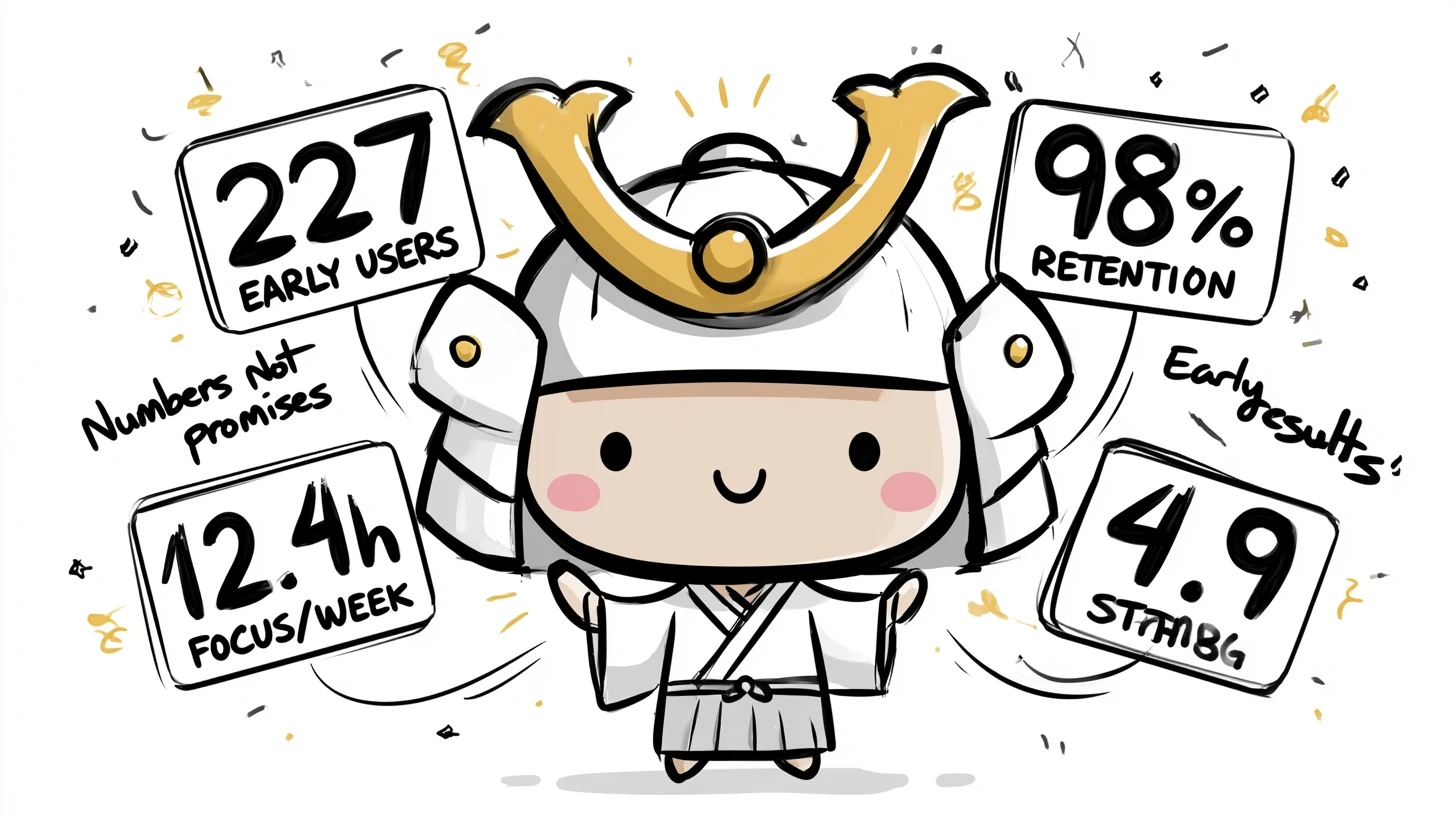
227
Early users
98%
Week-1 retention
12.4h
Avg focus/week
4.9/5
Avg rating
Simple pricing
Simple pricing
One plan. All features. No "Enterprise tier", no per-feature unlocks, no annual upsell games.
Pay once, use forever
$99 lifetime
Limited to 1000 founders. After they're gone, this offer disappears for good. (At $3/month yearly subscription, $99 pays for itself in ~33 months - then it's free forever.)
Claim a founder spot →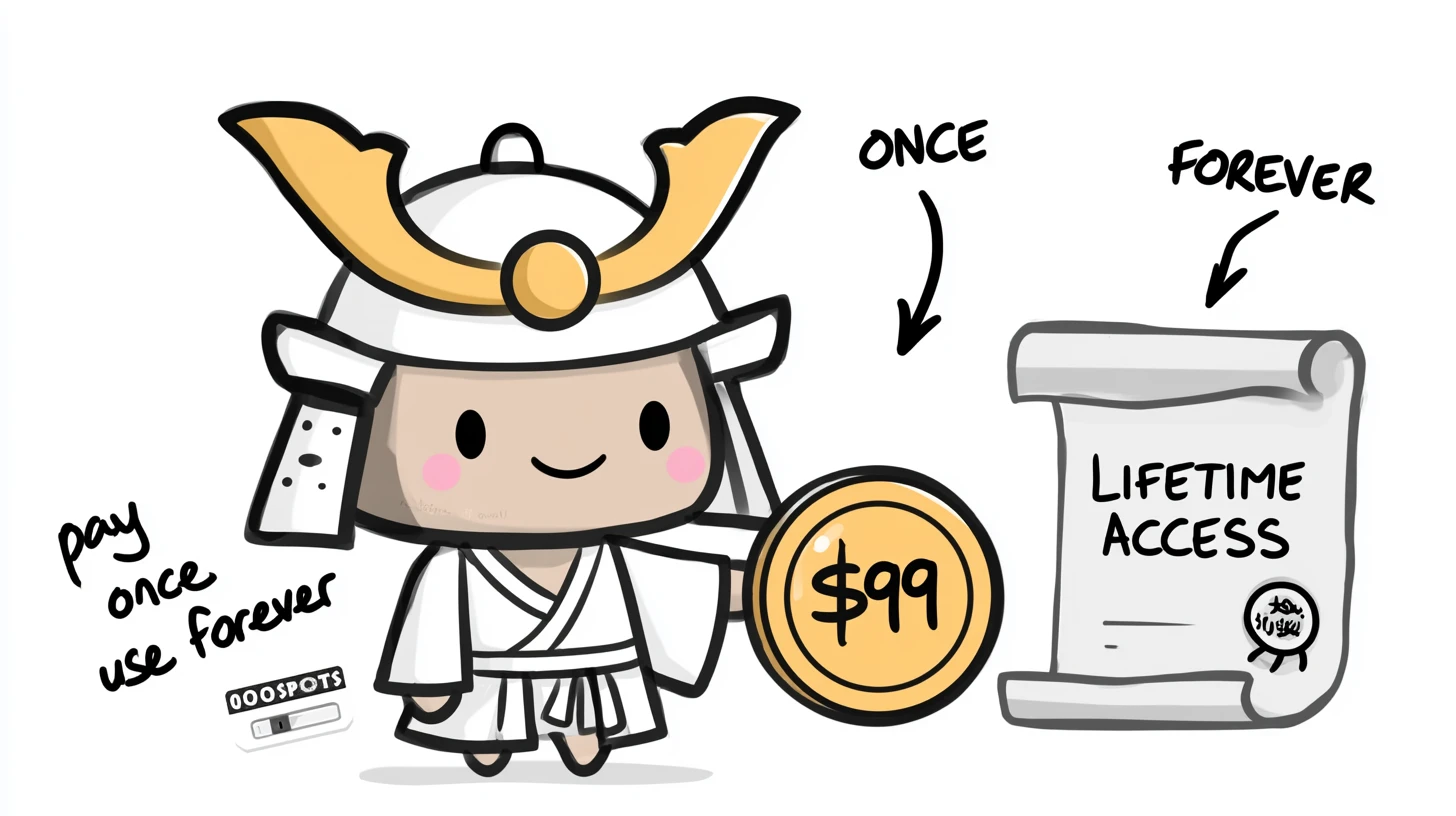
During MVP everything is free. After full launch: choose monthly ($9/user/month) or yearly ($3/user/month, billed $36/year). Cancel anytime.
¿Listo para dejar de gestionar y empezar a hacer?
Sin prueba gratuita de 7 días con emails molestos. Solo regístrate y planifica tu semana.
Crear cuentaFree during MVP · no credit card
